

Shopify
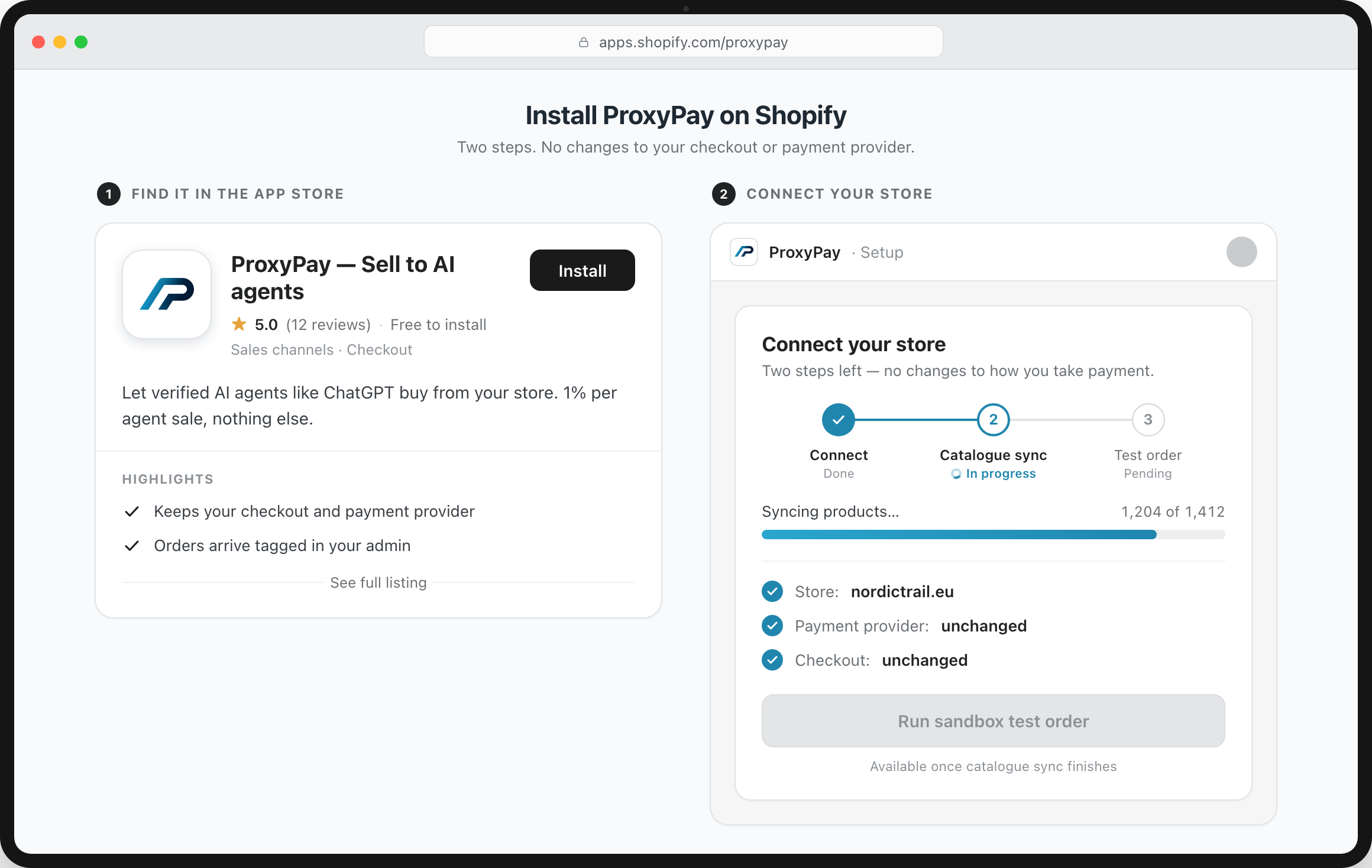
Connect the ProxyPay app, approve catalogue access, and your Shopify store can expose products and checkout sessions to verified AI agents.
Installs as: App
Shopify, WooCommerce, Magento or a custom build — ProxyPay adds one trusted route for verified AI agents to buy from your store. Same platform, same checkout, same payment provider.
However your store is built, the integration is the same shape. There's no new checkout and no re-platforming — ProxyPay sits alongside what you already run.
Install the ProxyPay app or plugin, or connect by API. No re-platforming, and no new checkout to build or maintain.
Products, prices, variants and stock sync into the format AI agents read to discover and choose what to buy.
Verified agents pay through your existing checkout and payment provider. The order lands in your admin, attributed to the agent — like any other sale.
 ProxyPay
Every agent order is labelled in your admin.
Orders come in through your normal flow, clearly attributed — so agent sales are a channel you can see and measure, never an untracked side door.
ProxyPay Connect the ProxyPay app, approve catalogue access, and your Shopify store can expose products and checkout sessions to verified AI agents.
Installs as: App

Activate the ProxyPay WordPress plugin, connect your account, and WooCommerce stays the system of record for orders, stock, tax and fulfilment.
Installs as: Plugin

Use the extension path for Magento and Adobe Commerce stores, including multi-store catalogues and B2B price logic.
Installs as: Extension

Install as a standard module. Catalogue, carrier and EU tax rules remain inside PrestaShop.
Installs as: Module

Connect through Shopware's app and Admin API model, without changing the core storefront or checkout.
Installs as: App

Connect ProxyPay to the Ecwid catalogue and checkout flow wherever the storefront is embedded.
Installs as: App

Register your BigCommerce catalogue and let verified agents initiate checkout through your existing store rules.
Installs as: App/API

Expose your Wix store catalogue to agent discovery and keep payments, fulfilment and customer communication in Wix.
Installs as: App/API

Make a Squarespace commerce store discoverable and purchasable by verified agents without replacing checkout.
Installs as: App/API

Use ProxyPay with Webflow Commerce or a Webflow-fronted custom checkout through the catalogue and checkout-session API.
Installs as: API

Use ProxyPay as an integration layer for enterprise catalogues, agent verification and order attribution.
Installs as: API

Expose catalogue and checkout sessions from OpenCart with a lightweight connector or direct API integration.
Installs as: Extension/API
If your store can publish a product catalogue and accept an order request, it can accept agent orders through ProxyPay. Most custom integrations are a feed, a signed checkout webhook and one end-to-end sandbox purchase.
If your platform is not listed, use the custom path and tell us what you run during onboarding. We will map the shortest integration route.
Keep the store you've built. Add the channel that's coming.